Review studio
Open a working mockup at the width of a phone, a tablet or a desktop, and comment on the exact spot.
What it does
A showroom for every design
The review studio shows a design fully working inside a frame, like goods in a display window. Choose Desktop, Tablet or Phone, pick a revision, and switch between View, Comment and Edit.
In Comment, click an element to pin a request on it or drag a box around an area. When a comment is not clear, the assistant asks a short follow-up question. The decision strip shows whether the design is approved, with Approve and Reject for the people who approve designs.
Who it is for
People who decide how a site looks
- Site owners, who decide on feature and function requests.
- Approvers, who decide on styling and layout requests.
- Reviewers, who pin, box and discuss what they see.
- The design team, who need every request to be clear.
Key behaviours
What happens inside the studio
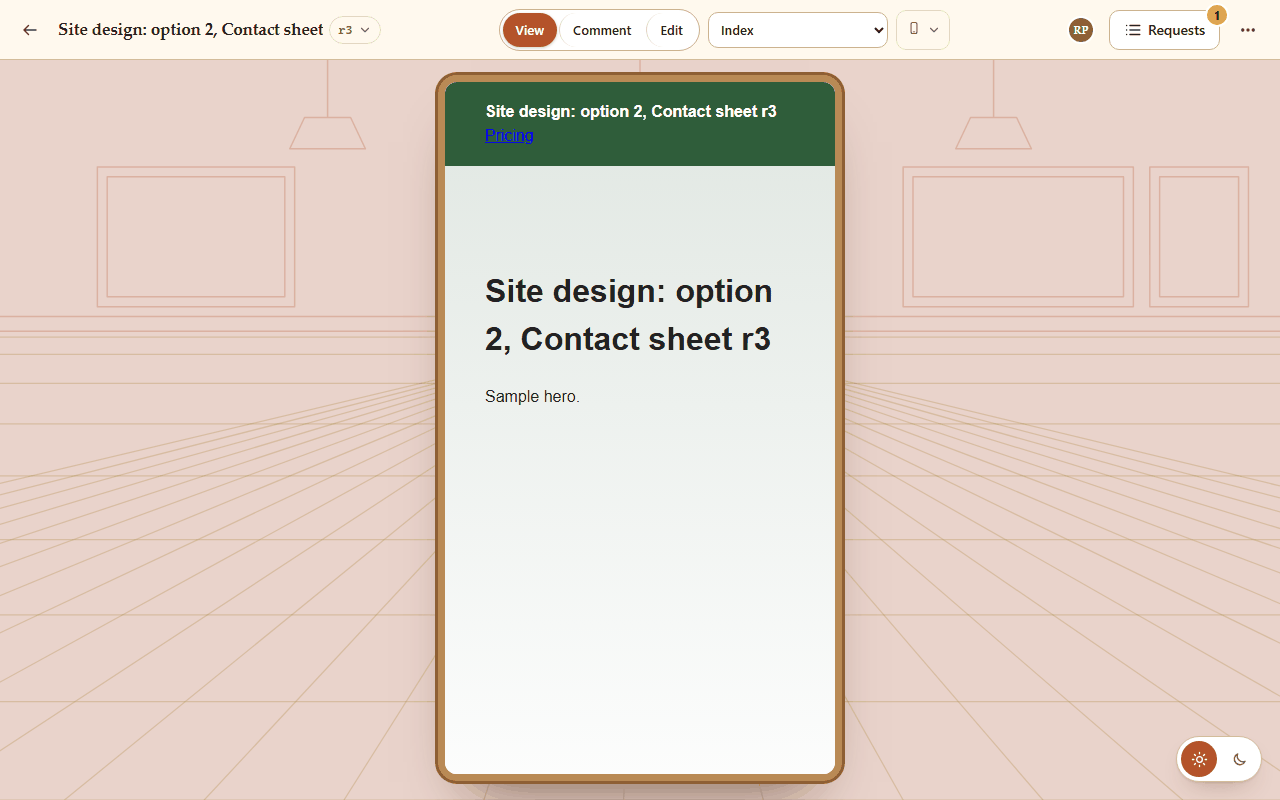
Phone, tablet and desktop
Switch the width and the design reflows, so you see what each visitor sees.
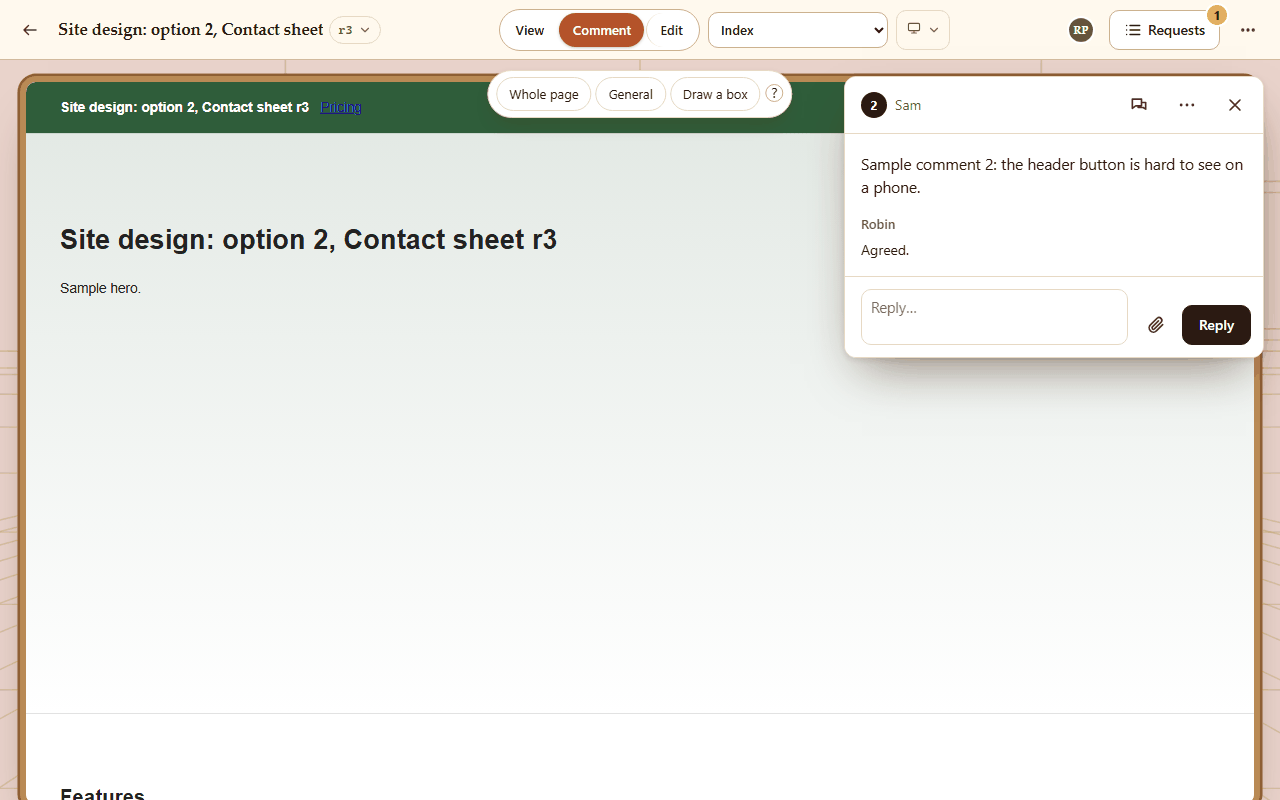
Pin it or box it
Click an element or drag an area; each request gets a numbered pin and its own thread.
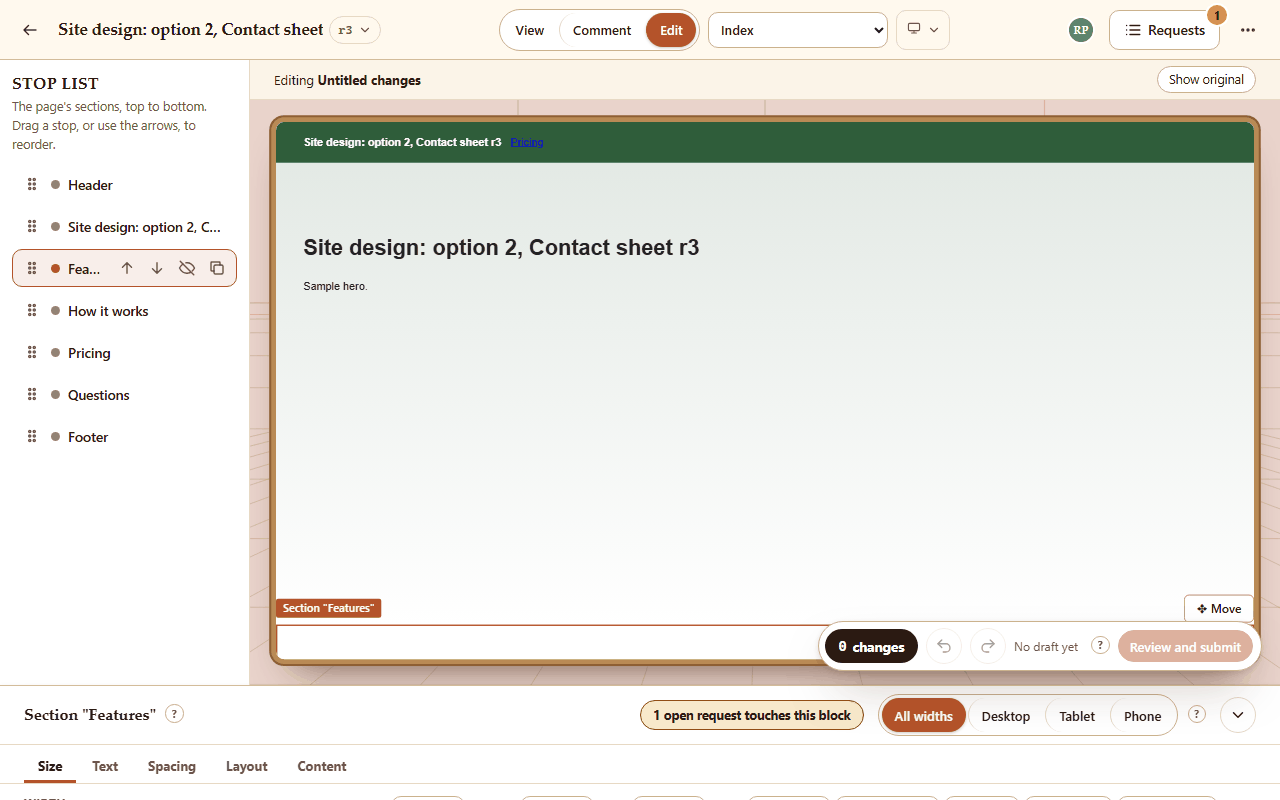
Show the change yourself
In Edit, move, size, hide and restyle sections; the changes tray sends them as one request.
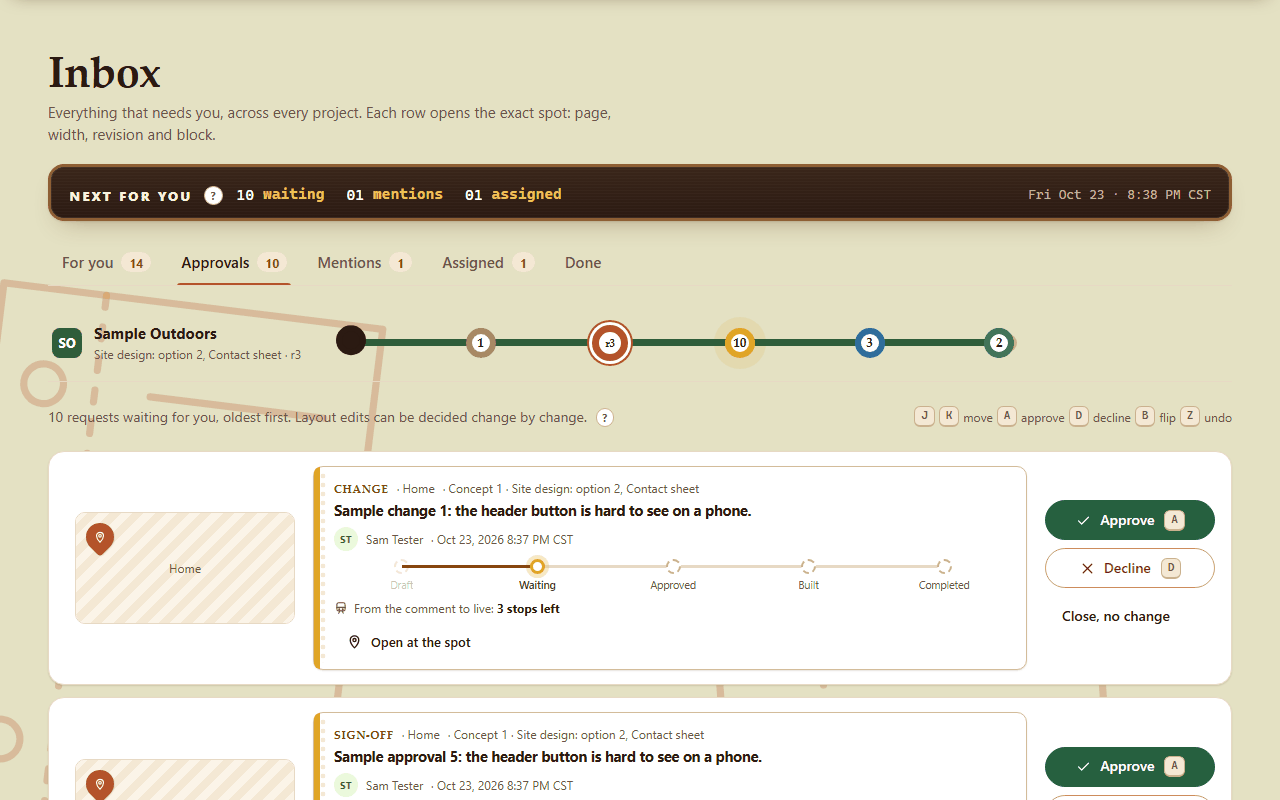
Decide on each request
Approvers approve or decline each request from the studio or the Inbox's approval queue.
And more
Smaller things that help
- Fullscreen, with Escape to leave.
- Compare the working design with the live site.
- Files and pictures on comments.
- A link to the exact spot of any request.
- See who else is looking at the same design.
- Export every page of a design as one PDF.
- Keyboard shortcuts for the modes, widths and revisions.
Questions about the review studio
Can I comment on the phone layout?
Yes. Choose Phone and comment there; the request remembers the width it was made at.
Which design takes comments?
Each project has one working design, the only one open to comments. Concepts and earlier designs are view only.
Do my layout edits change the design?
Not straight away. They go in as a request; once it is approved, the design team builds it.
Want a stall for your project?
Accounts are made by an admin. Write to us through the contact form and ask for access.